大模型部署实践1
一 、部署前的准备
1.电脑配备独立显卡,至少8GB显存(好点的游戏本)。
右键计算机设备管理器先检查显卡驱动以显存容量: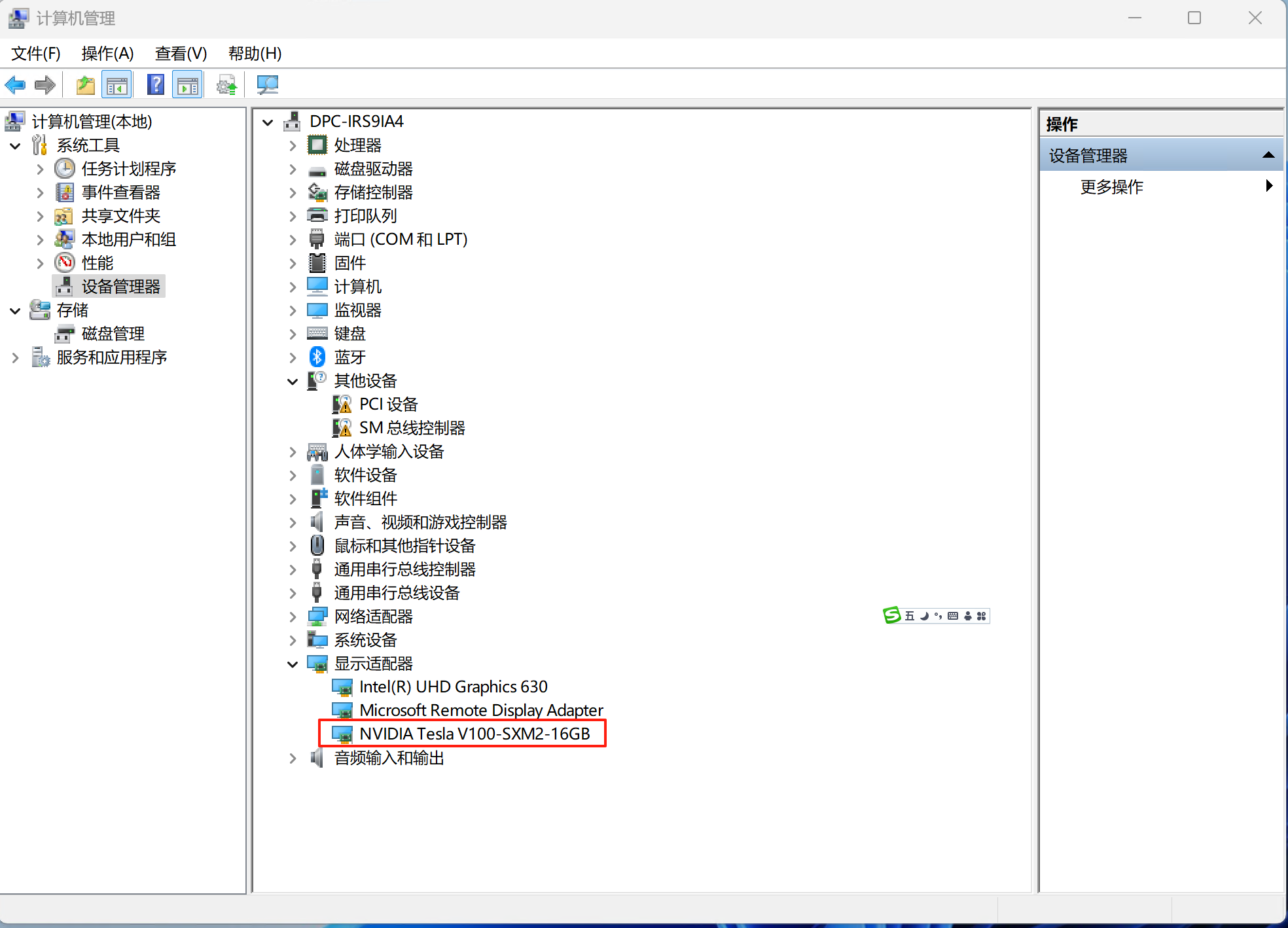
2.存储空间要有20GB以上,读写速度快的nvme m.2硬盘效果更佳。
3.模型比较大需要良好的网络
二、下载Ollama安装
1.下载地址:ollama.com/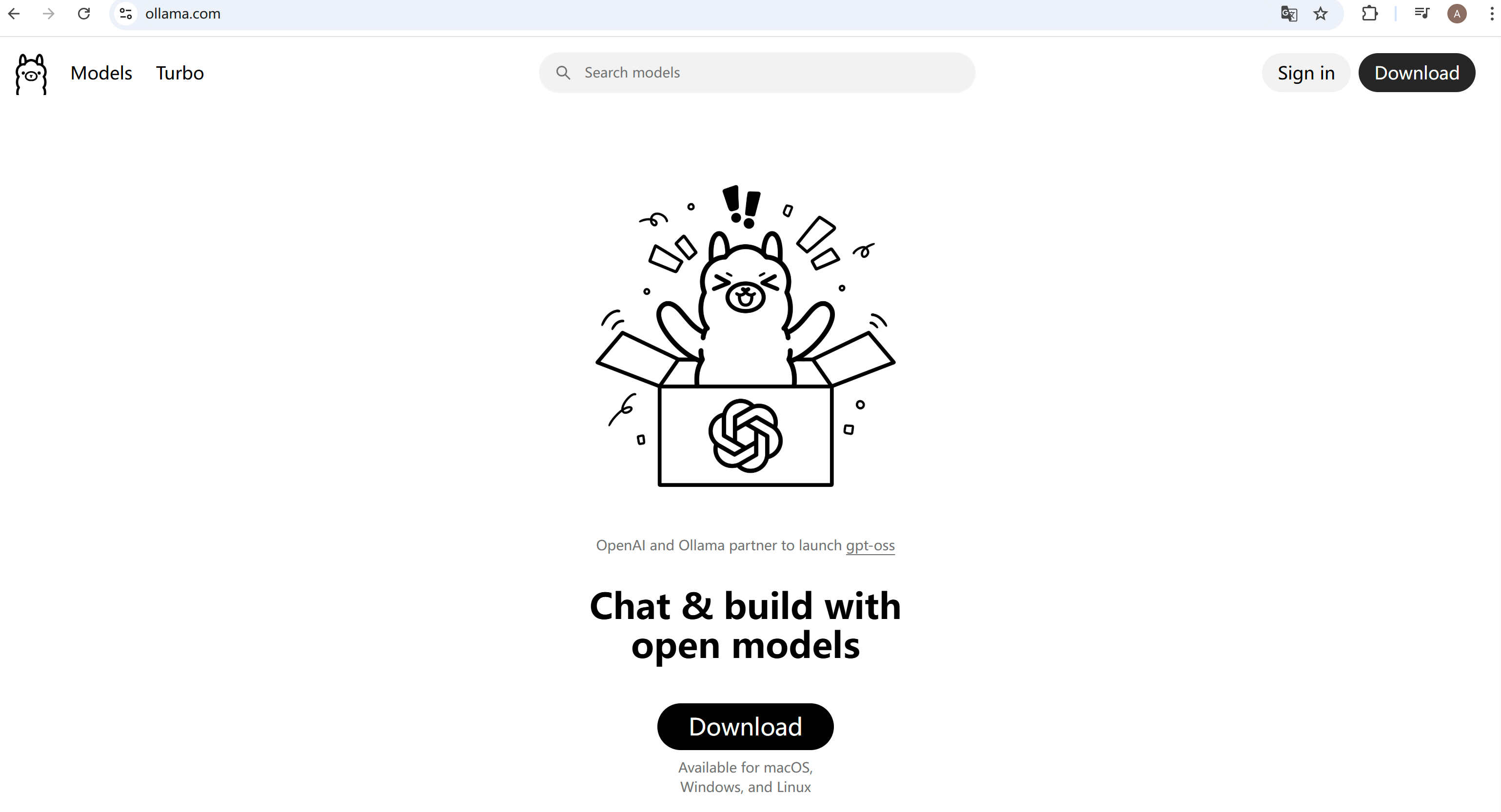
2.如果打不开上面的地址,使用老师准备好的地址:
3.安装,安装完成后设置模型存放位置,安装运行后在任务栏托盘图标区域可以看到如图所示,点击setting,设置模型文件存放位置.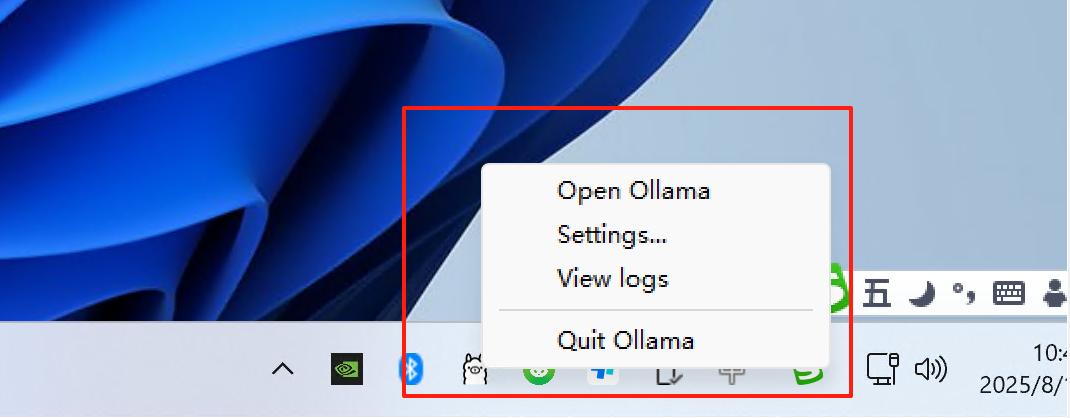
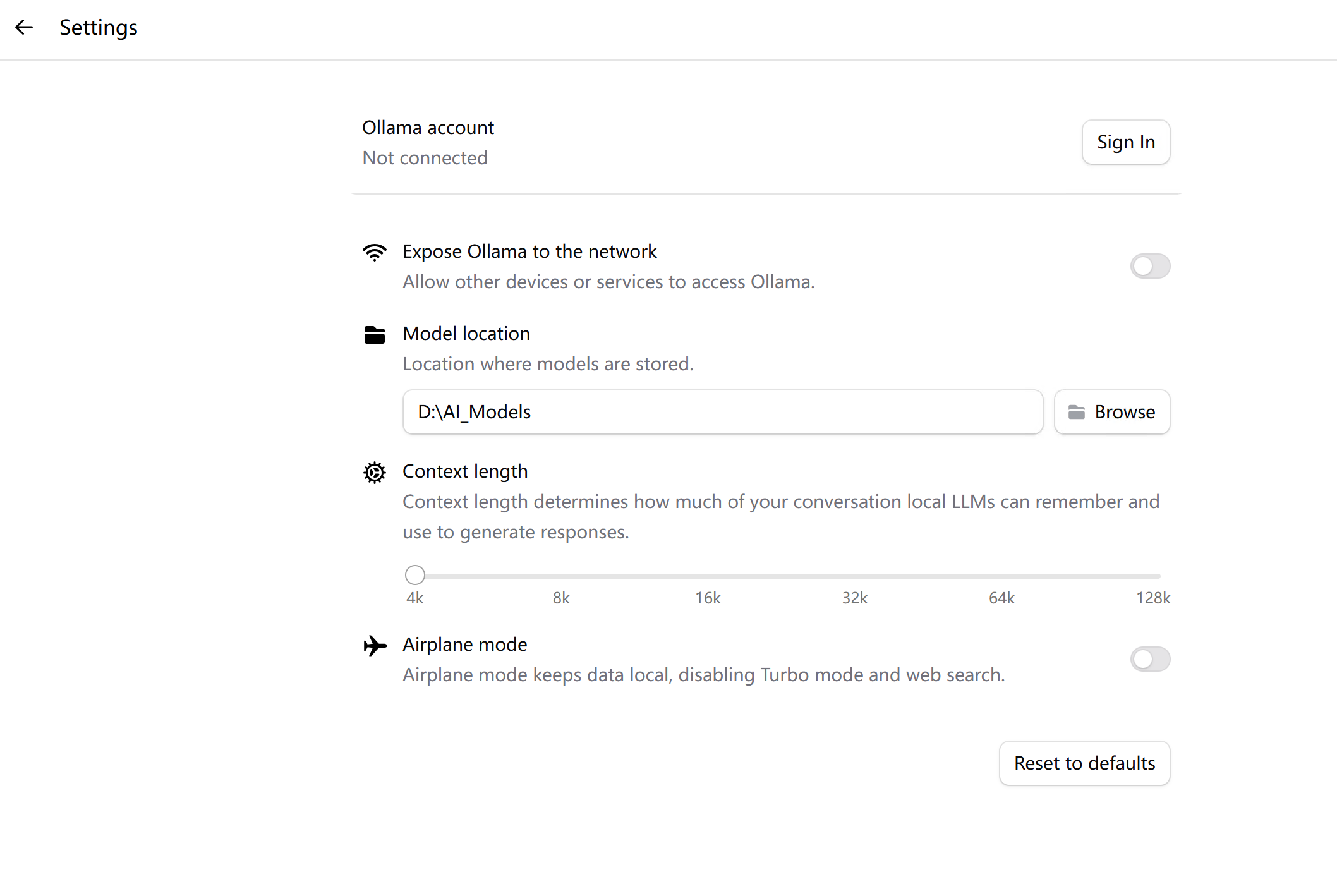
4.选择模型开启对话,开启对话首次下载模型时间比较长。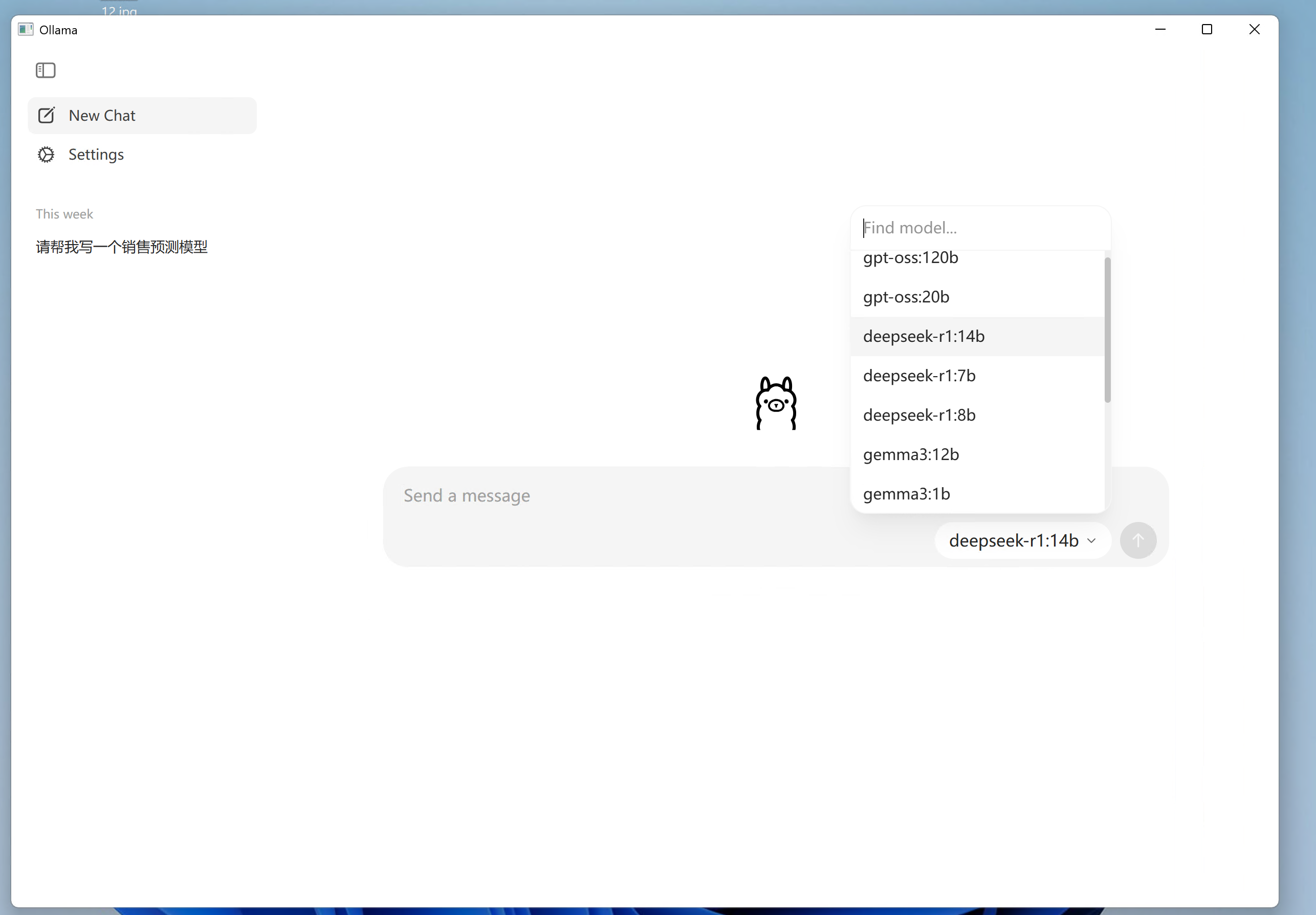
5.根据显存容量选择模型参数,8G显存选择7B或8B参数模型,16G显存可以选择14B参数模型,参数越多效果越好。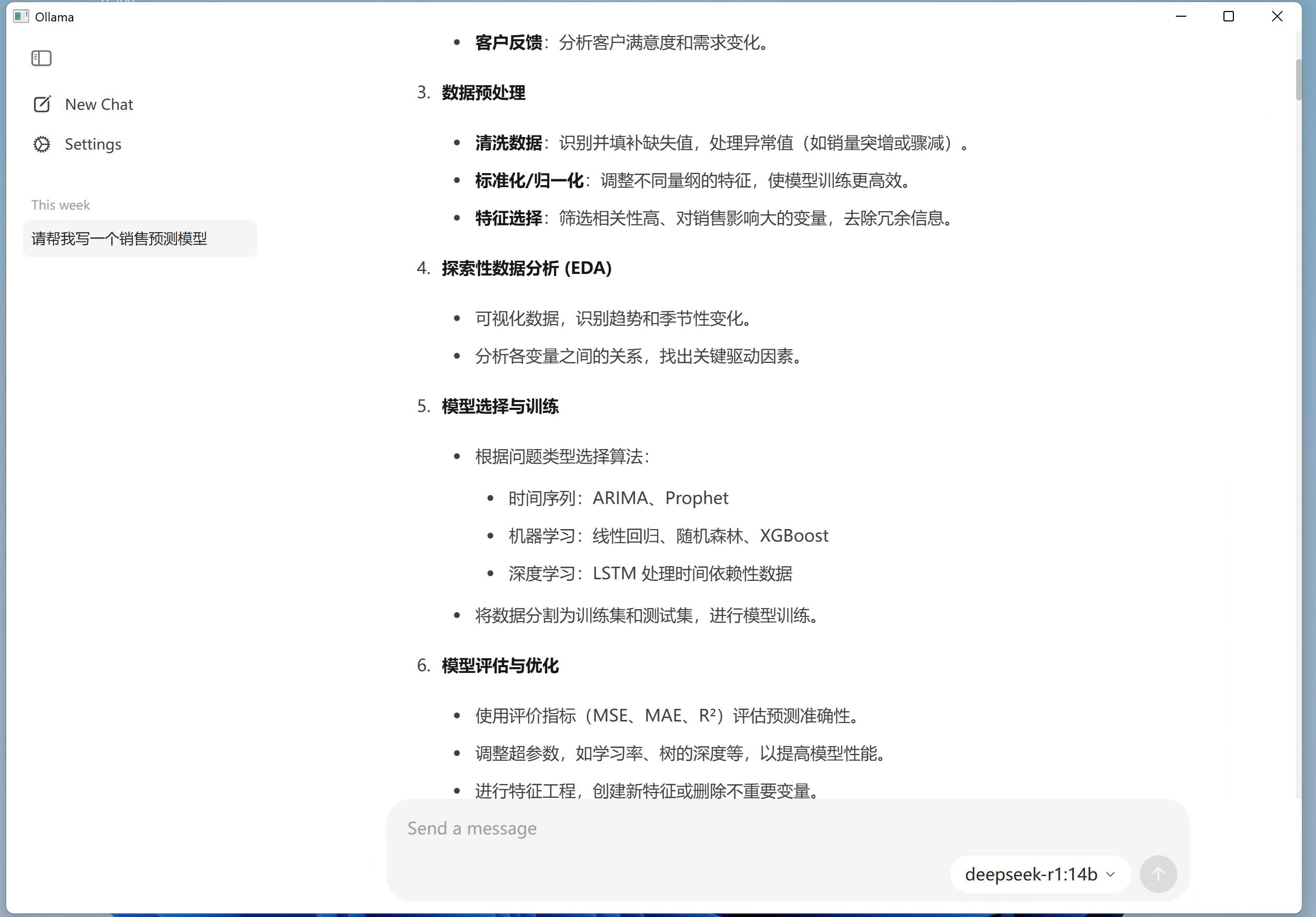
6.检查GPU工作情况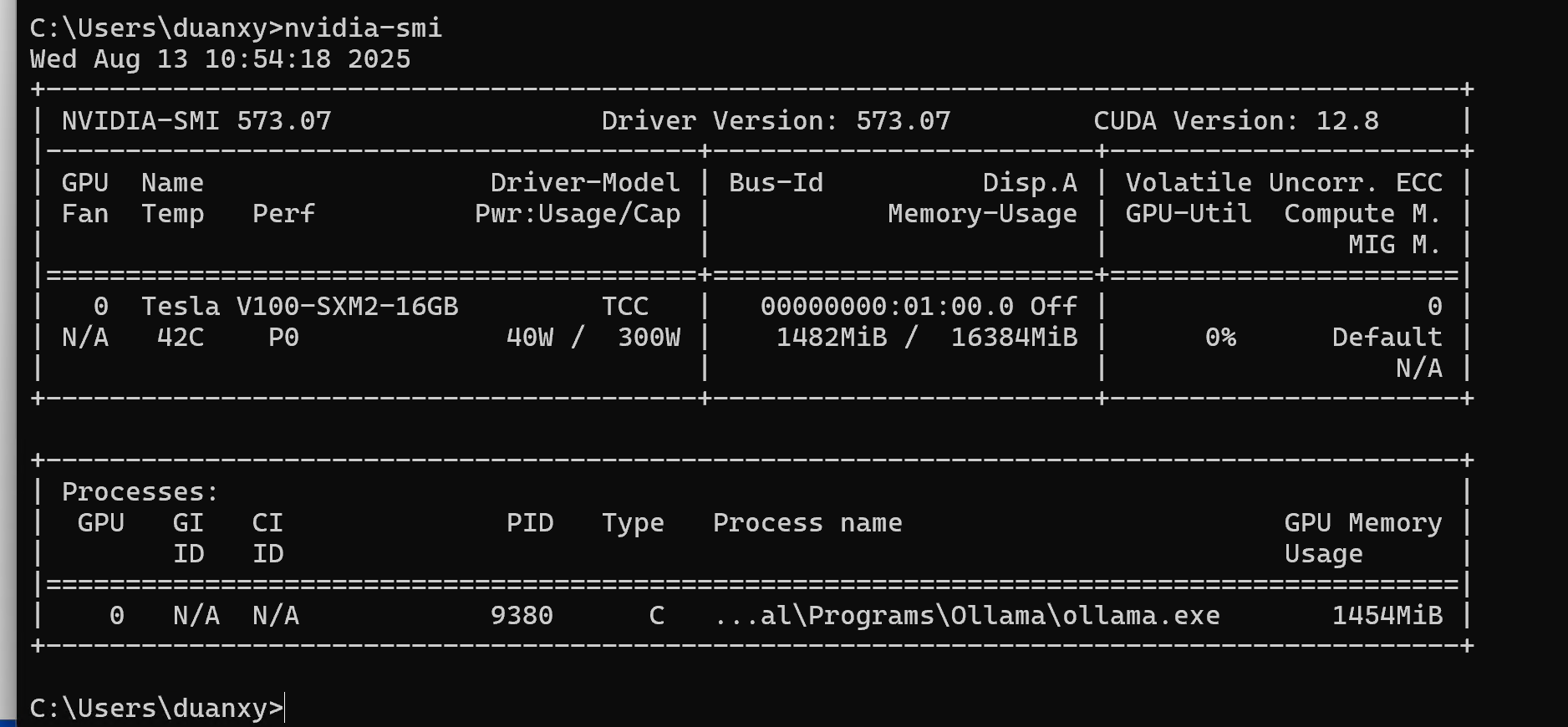
作者:信息技术教研室 创建时间:2025-08-13 10:30
最后编辑:信息技术教研室 更新时间:2026-03-20 13:25
最后编辑:信息技术教研室 更新时间:2026-03-20 13:25